
Purchase Orders
POs, lines, blanket orders and vouchers always up to date. Suppliers confirm shipments and accept ERP changes right from the order detail.
Supplier Collaboration for Infor SyteLine
Purchase orders, shipment confirmations, requests for quotation, goods receipts, chat and documents: everything in a single web portal, automatically synchronized with Infor SyteLine / CloudSuite Industrial through ION and Data Lake.
Every area of the portal is fed in real time by ERP data and returns the supplier’s actions to the ERP, fully tracked.
POs, lines, blanket orders and vouchers always up to date. Suppliers confirm shipments and accept ERP changes right from the order detail.
Conversations tied to a specific order or supplier, with attachments archived in Infor IDM and a web widget you can embed on external sites.
Mandatory documents verified at login, inbound content synchronization and XQuery links you can configure without writing code.
Every change coming from the ERP is tracked field by field: the supplier reviews, accepts or rejects, and the outcome flows back into the ION workflow.
GRNs, receipt lines and PO receiving lines available to the supplier, with notes and documents linked to every record.
One single box to find orders, suppliers, RFQs, GRNs and notes. Results grouped by type, with templates you can customize per company.
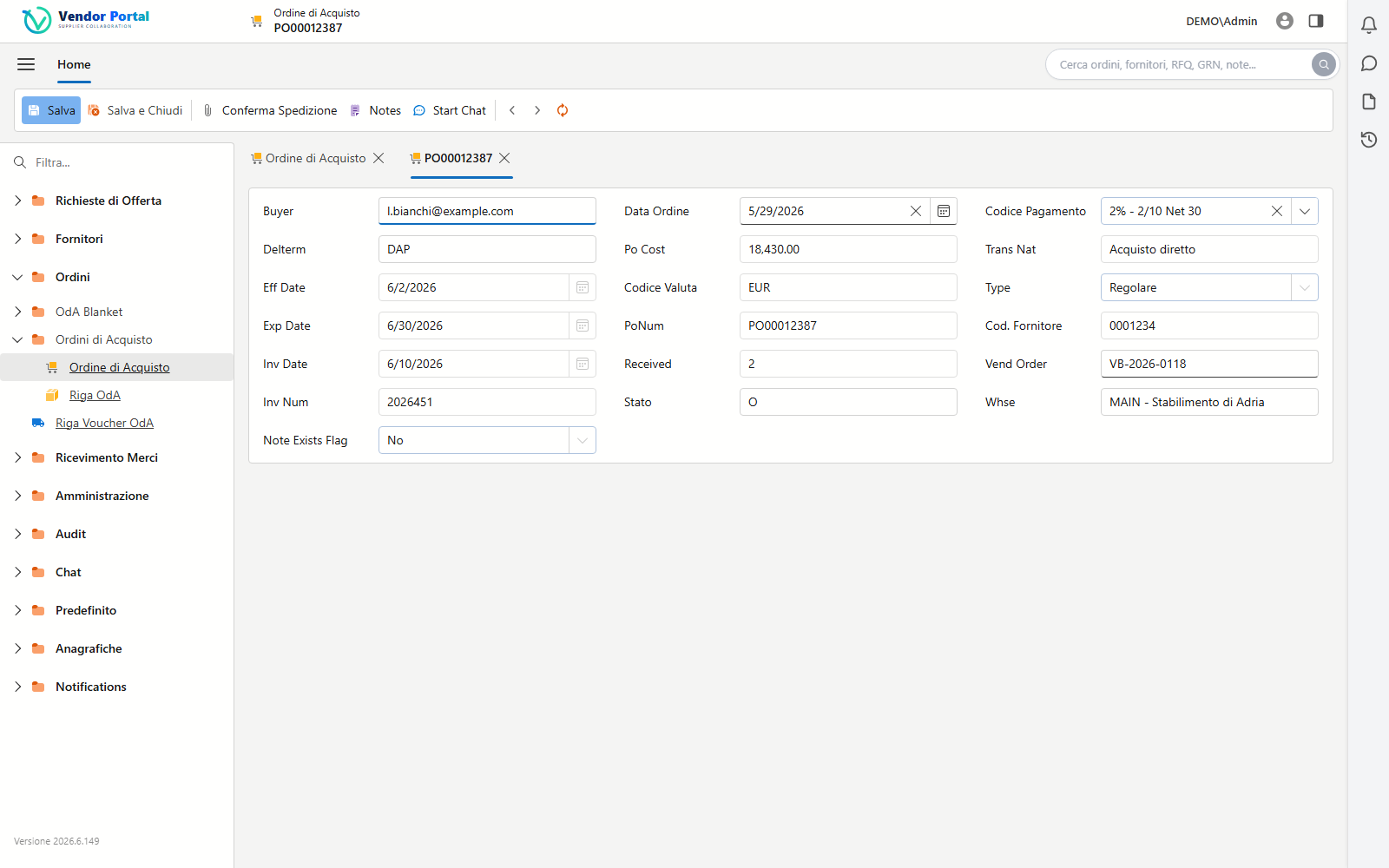
Order collaboration
Suppliers work on a complete order page: they confirm shipments with attached documents, open a dedicated chat, accept the changes coming from the ERP. Every action is a tracked workflow flowing back to SyteLine through ION — no emails, no phone calls.
On every page of the portal, a slide-in side panel supports the user’s work without ever leaving the context of the record.
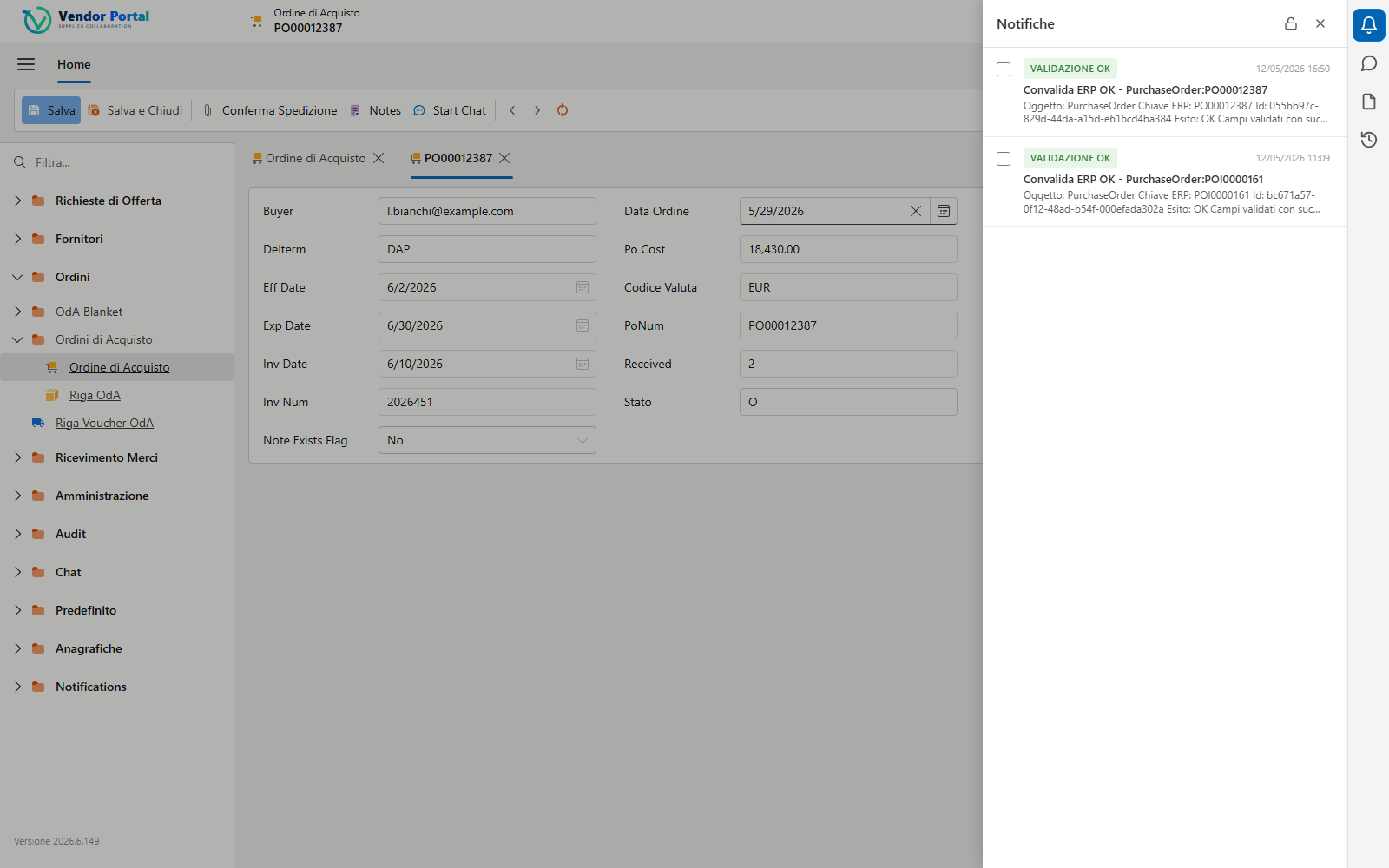
ERP validation outcomes, workflow alerts and updates arrive in real time in the Notifications widget, with a direct link to the affected record.
The Chat widget opens the conversation of the record you are working on: no screen switching, the history stays attached to the order.
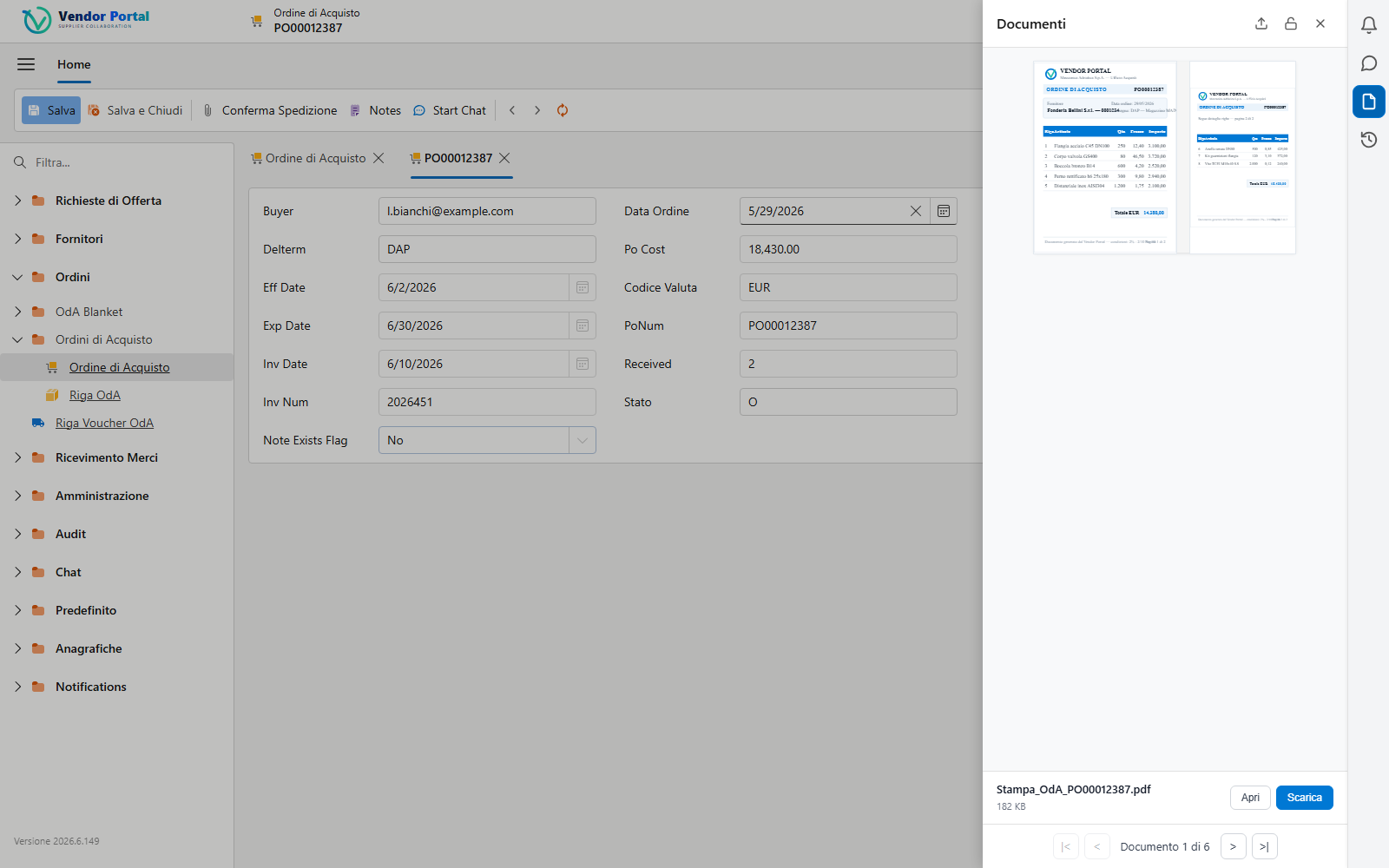
The record’s IDM attachments and documents with preview, drag & drop upload and instant download, right from the side panel.
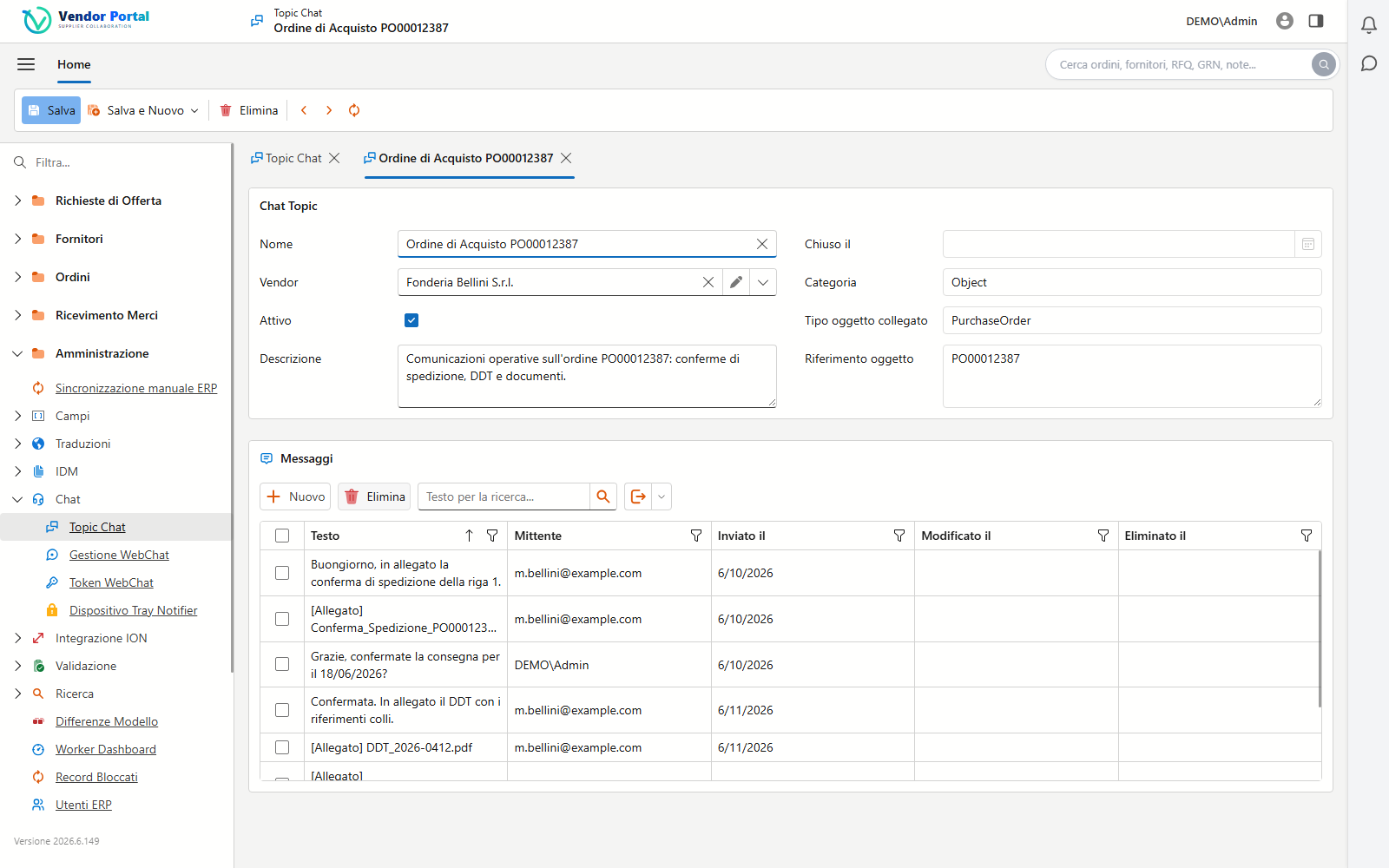
Built-in WebChat
Every chat starts from an order, an RFQ or a supplier and stays linked to that object forever. Attachments — PDFs, images, confirmations — are automatically archived in Infor IDM: no more files scattered across mailboxes.
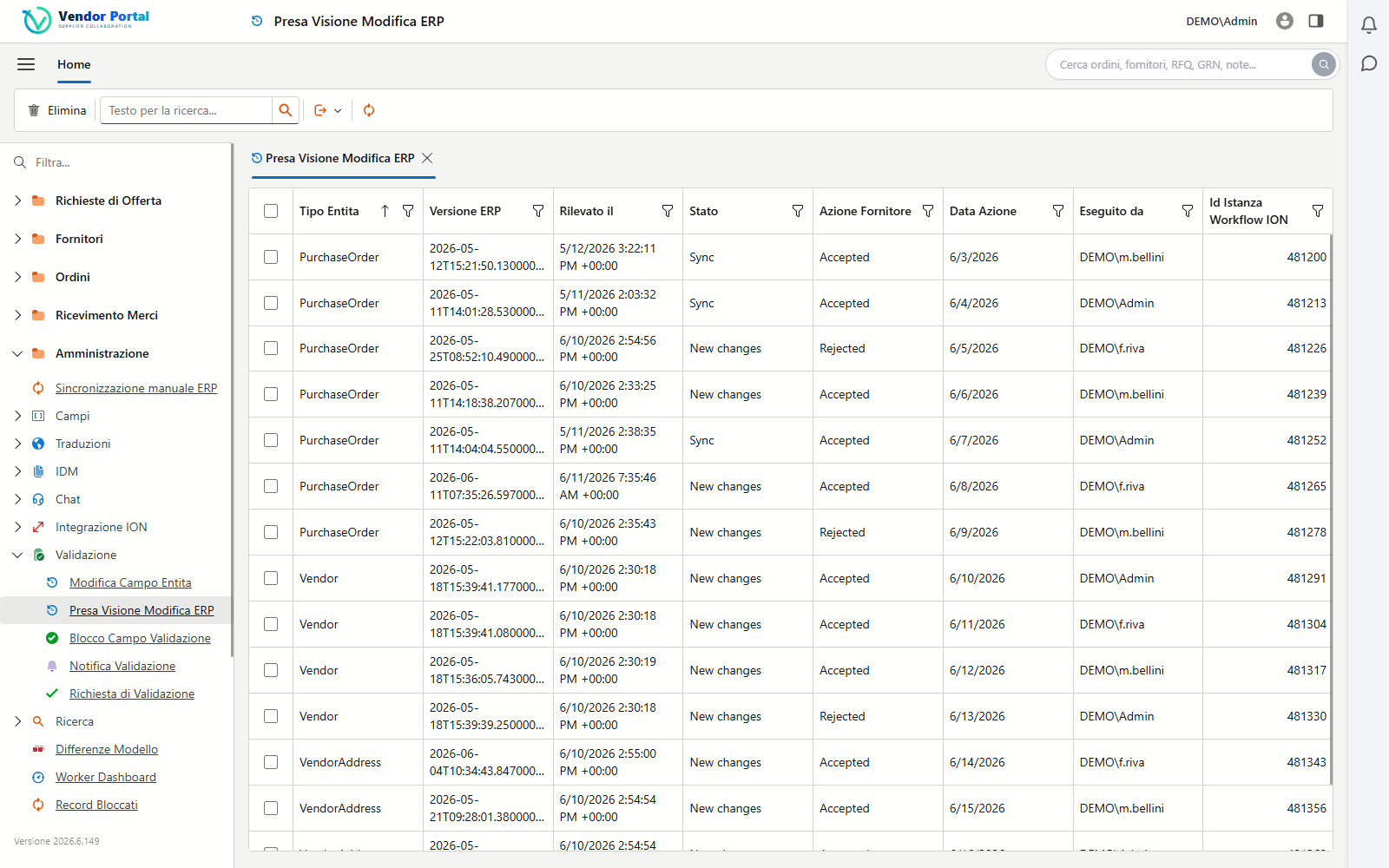
ERP change tracking
The import engine compares every incoming ERP record field by field. Changes on monitored fields generate an acknowledgement for the supplier, with a full history of who accepted what, and when.
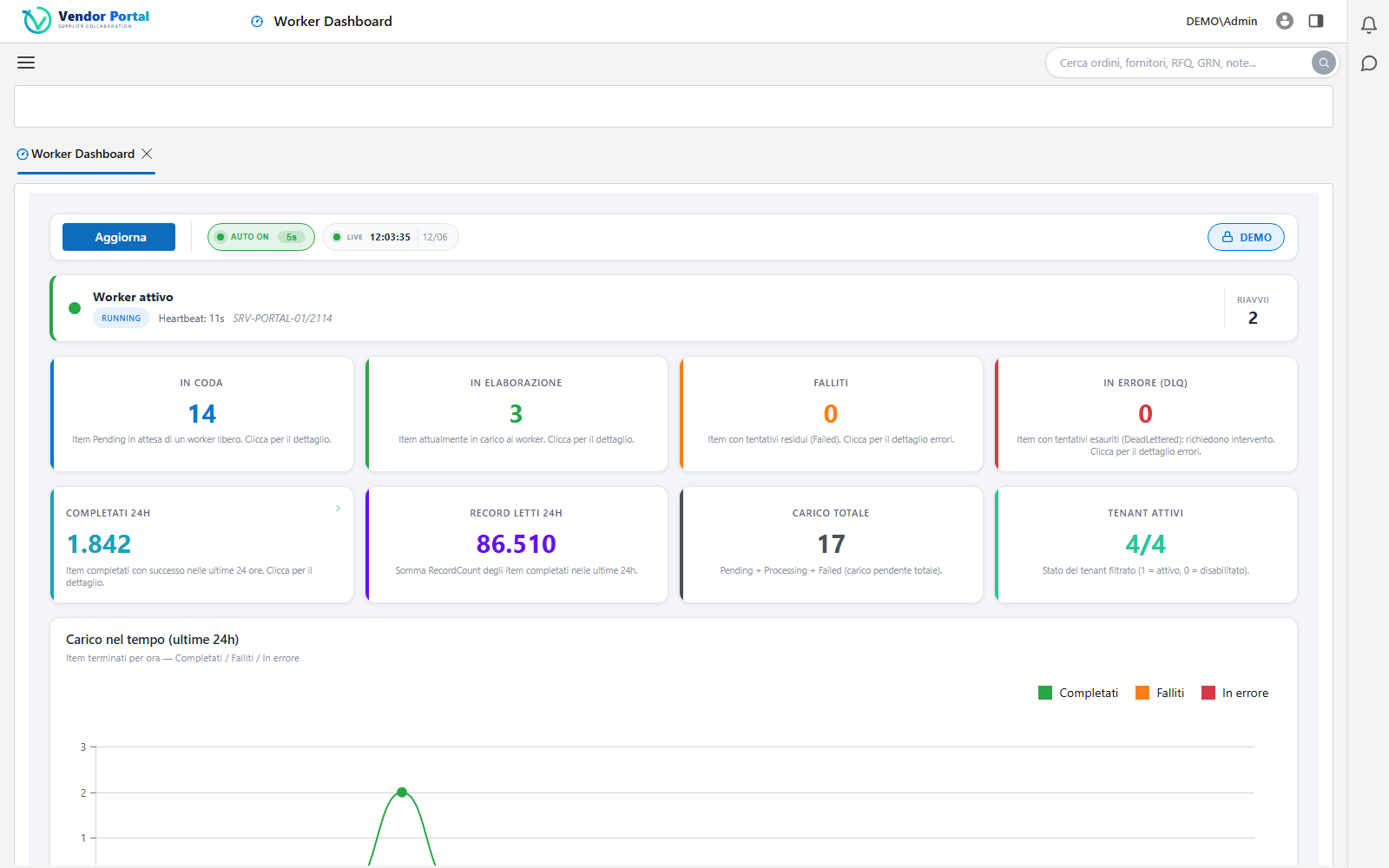
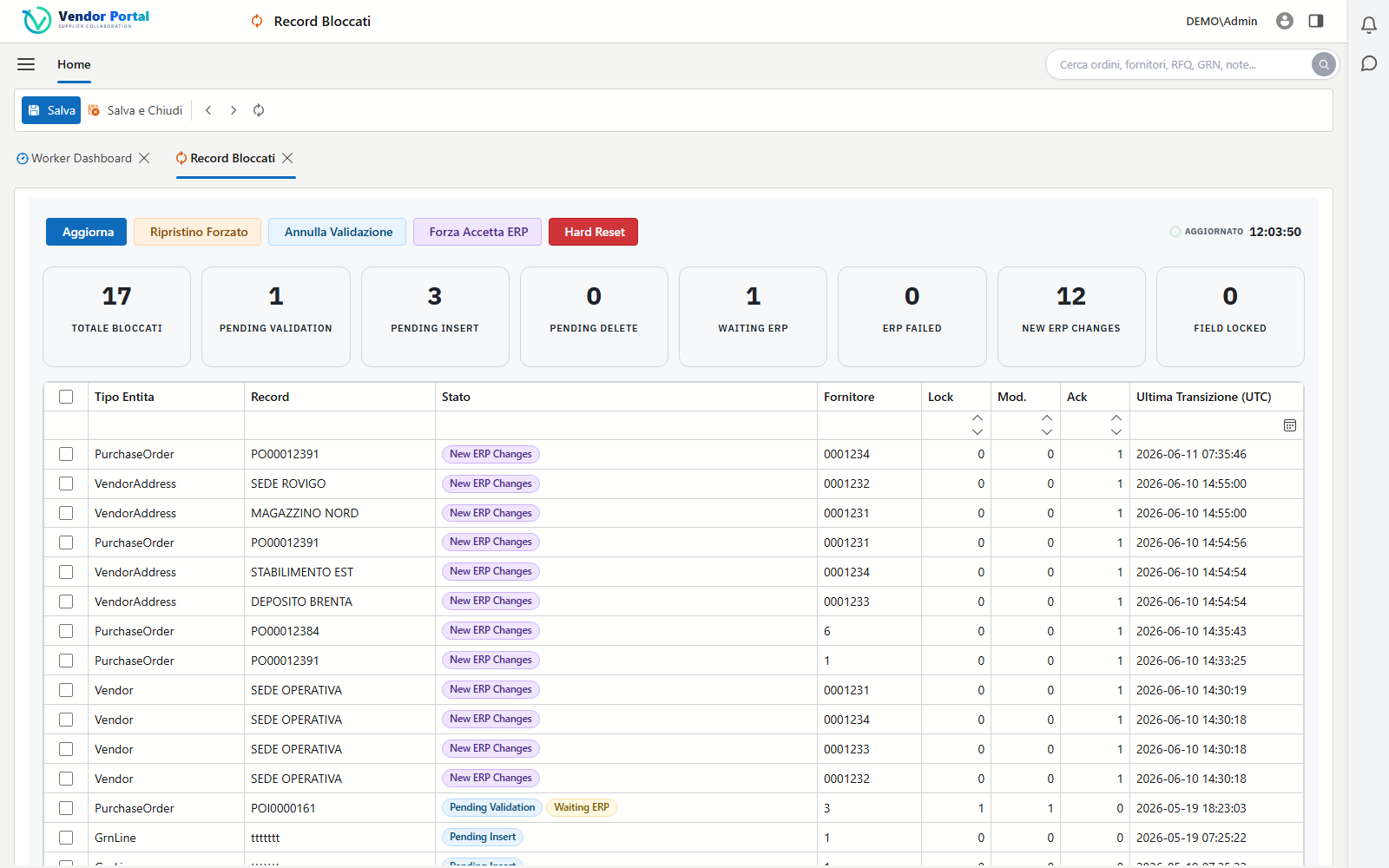
Two dedicated dashboards keep the data flow under control: the status of the import workers and the records that need attention.
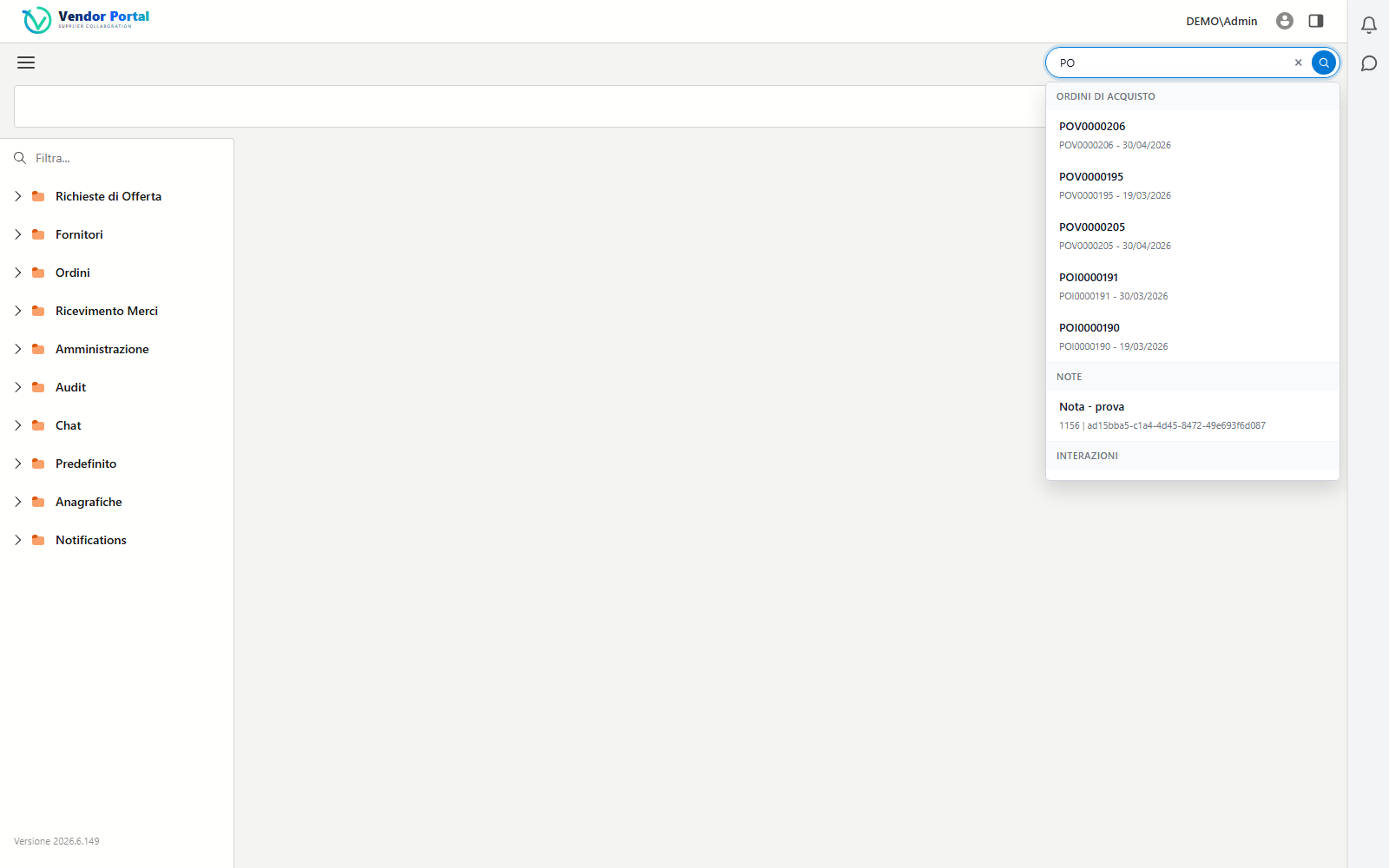
Global search
Orders, suppliers, requests for quotation, receipts and notes: the global search queries every entity in the portal and presents results grouped by type. Title and detail formats are customizable per company with simple templates.
Per-company governance
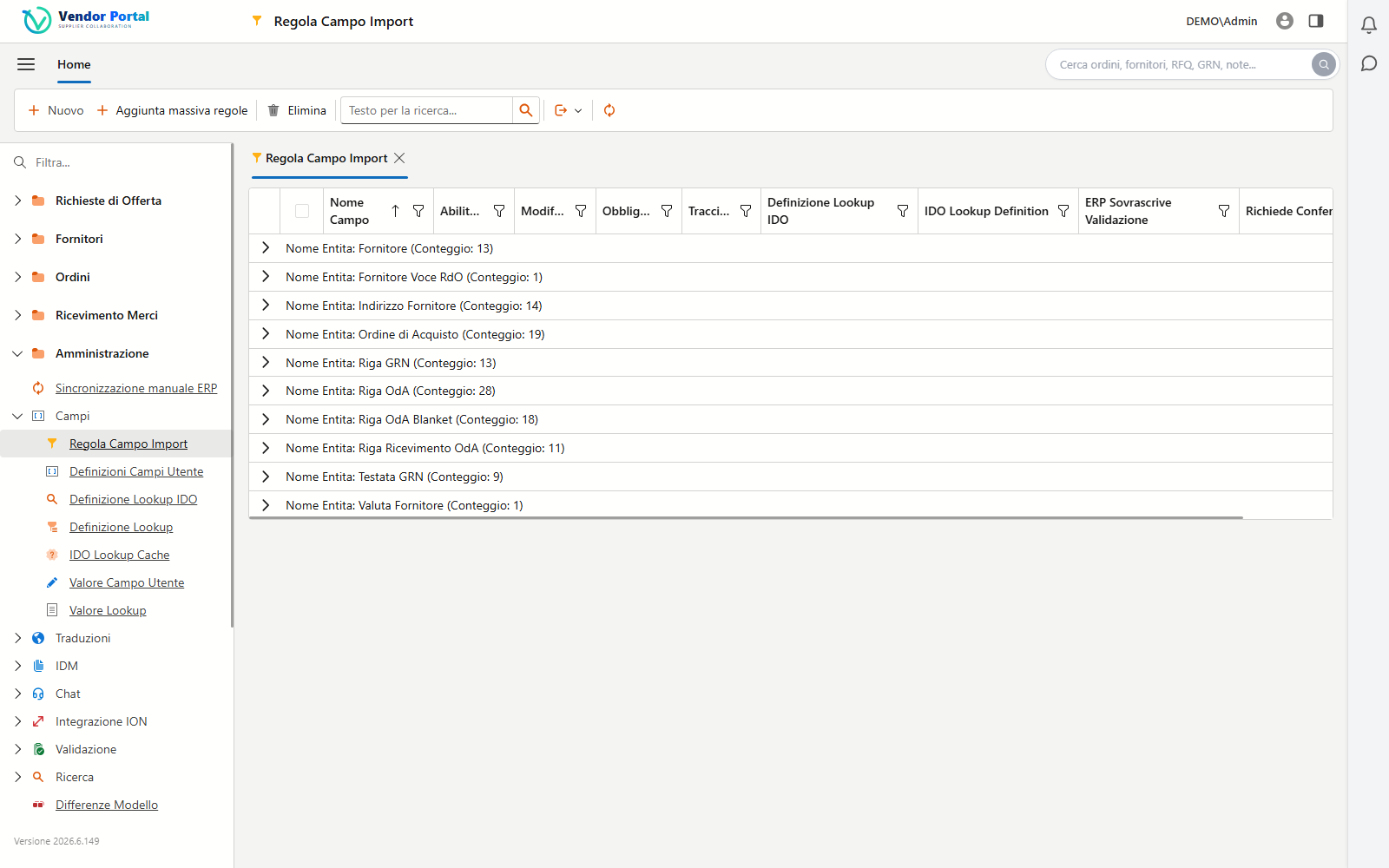
Which fields to import from the ERP, which ones to monitor, which labels to show and in which language: everything is configured from the UI, with no technical intervention. Configurations can be exported and imported across environments with an encrypted file.
The portal is not a copy of your data: it is an extension of the ERP, fed by the official Infor channels.
Delta import record by record: inserts, updates and deletions detected automatically, with an asynchronous queue and a dedicated worker.
OAuth2 authentication, IMS messaging and approval workflows created and activated directly from the provisioning wizard.
XQuery search, document upload and download, mandatory document requirements verified at every supplier login.
Direct lookups and updates on SyteLine IDOs where real-time data is needed, with configurable cache and thresholds.
Behind the interface there is engineering built for fast rollouts and production-grade volumes.
The provisioning wizard creates ION connection points, data flows, replication categories and triggers, IDM document types and the approval workflows for you: the tenant is live in a day, not in weeks.
Asynchronous queued import with a dedicated worker, configurable thresholds and retries: batches of thousands of records in a single call, handled without losing a single row.
Dry-run mode simulates the import to verify rules and mappings without writing anything to the database: ideal during rollout.
An audit timeline for every piece of data: imports, changes, validations and user actions in a single browsable history.
Dates and times shown in each company’s time zone, interface in the user’s language, customizable field and action labels.
Stateless and multi-instance, automatic connection retries, optional OpenTelemetry: it runs on-premise or in the cloud with no changes.
A multi-tenant architecture built for enterprise and cloud environments.
Each tenant has its own dedicated database: data isolation is physical, automatic and cannot be disabled.
Automatic filtering by vendor code on orders, RFQs and receipts. Vendor users access exclusively their own records.
JWT authentication for the APIs and cookies for the portal, administrator and vendor roles, automatic lockout of disabled tenants.
Every relevant operation is recorded: imports, changes, acknowledgements, administrative actions and recovery.
We can set up a guided demo on your SyteLine environment, with your orders and your suppliers.
Request a demo